Triggers
A trigger starts a published flow when something happens — a file appears, an email arrives, a webhook is called, a queue item is inserted, or a machine crosses a resource threshold. They are created and managed in Admin Console → Triggers.
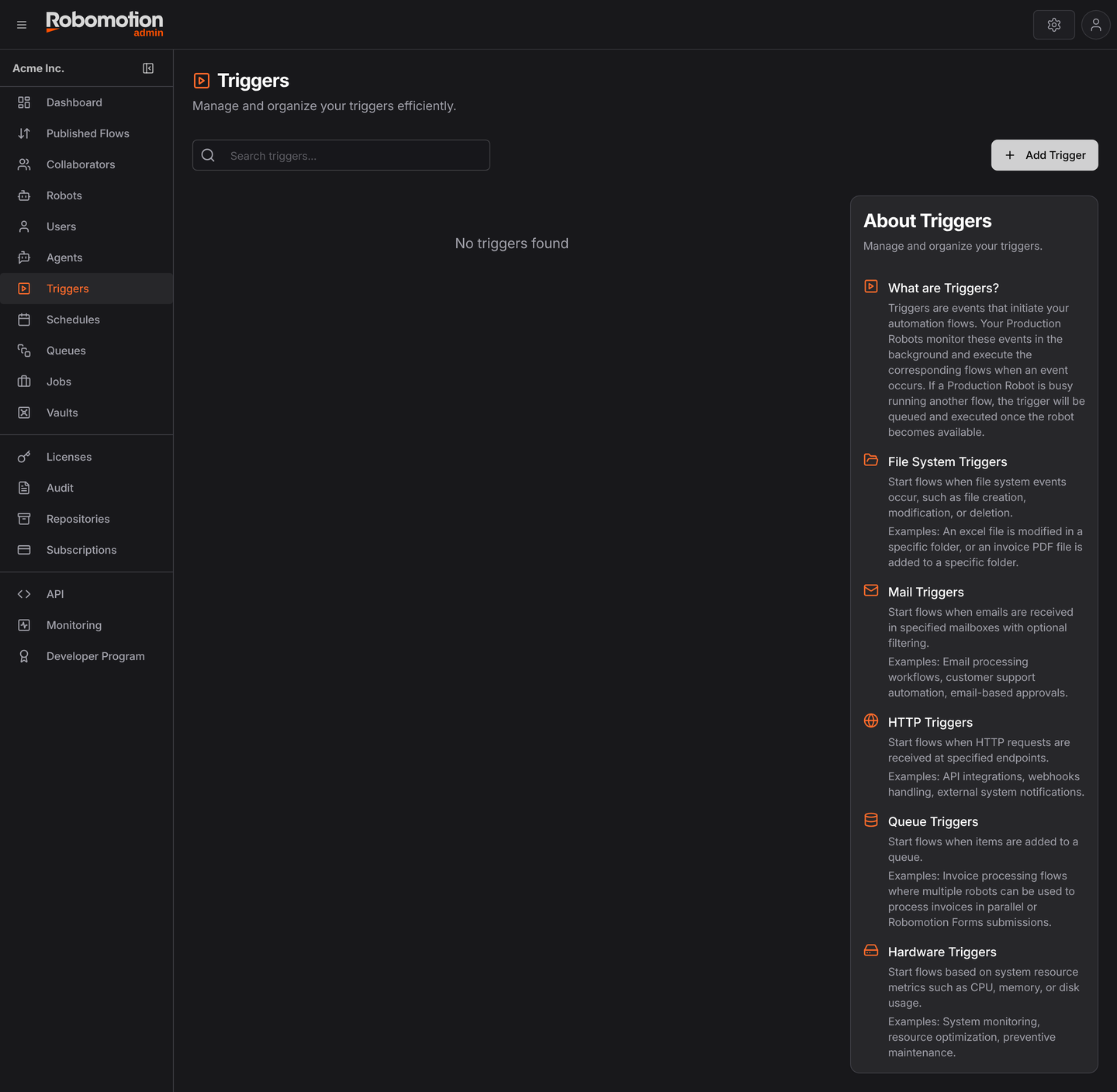
All five categories go through the same Add Trigger wizard, which adapts to what you pick: it starts as Trigger Config → Flow & Details, and a category that needs more setup adds steps.
A published flow to run — a trigger cannot select an unpublished one — and a connected robot. A trigger whose robot is offline does not queue the event; it misses it.
File System
A file system trigger watches a folder on a robot's machine and runs a flow when a file appears,
Hardware
A hardware trigger watches a robot machine's own resources and runs a flow when one crosses a
HTTP Trigger
An HTTP trigger gives a flow a webhook URL. Anything that can POST — a form, a payment
A mail trigger watches a mailbox and runs a flow when a message arrives that matches your
Queue
A flow can be triggered whenever a new item is inserted into a Queue. This is mostly useful for Robomotion Forms, where someone submits a new form and you want to process the data whenever a new submission is done.