Agents
An agent is a published flow given a face: a name, a logo, a mode of interaction, and optionally a robot of its own. Admin Console → Agents is where you create and administer them.
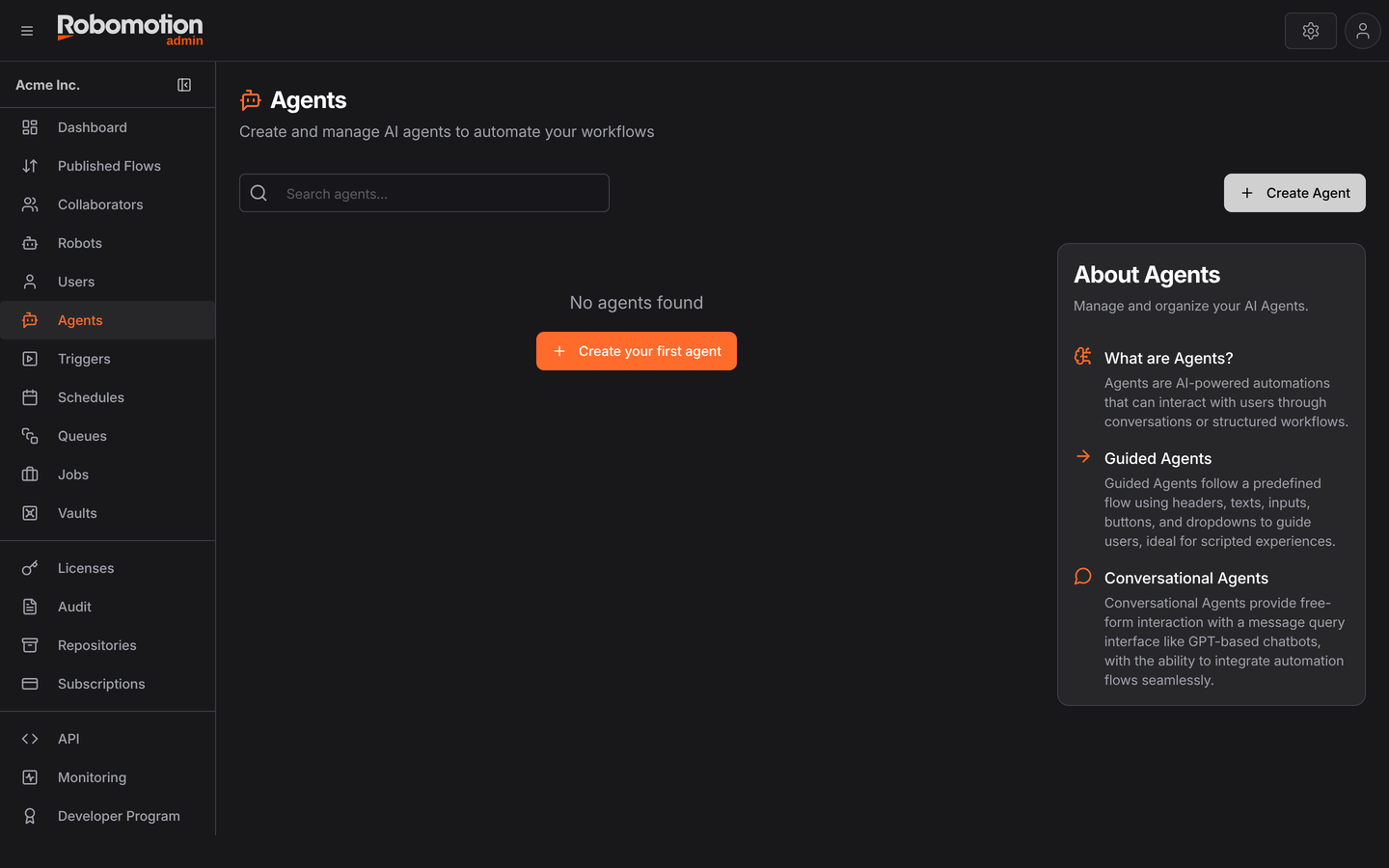
The table lists each agent with its Flow, Version, Mode and how many Instances it has.
An agent does not contain logic. It points at a published version of a flow, and that flow does the work. Everything you know about flows still applies — the agent is packaging.
Creating one
New Agent asks for the essentials:
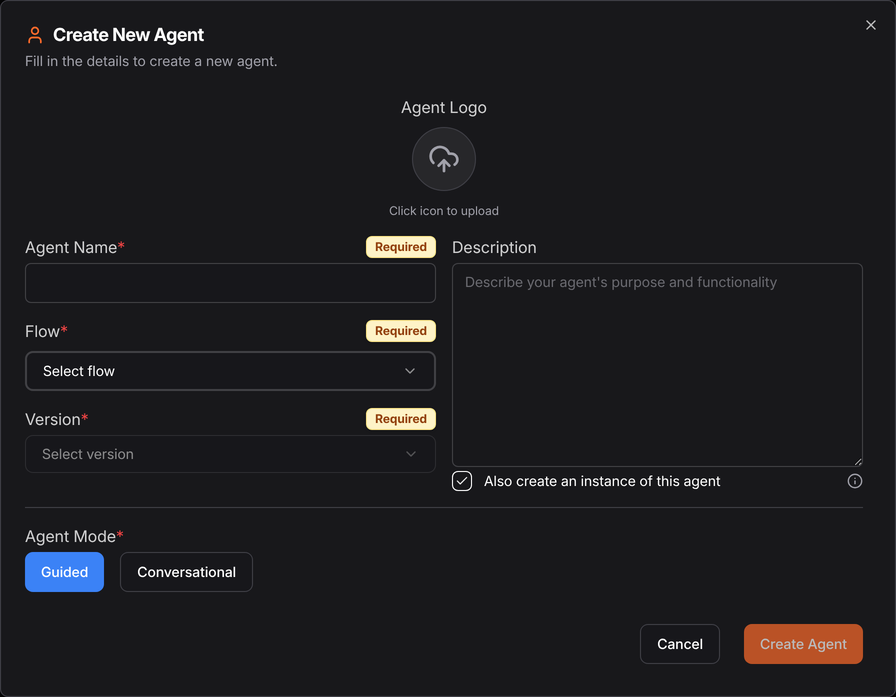
| Field | |
|---|---|
| Agent Logo | What people see in the chat window |
| Agent Name | Required |
| Description | What it is for |
| Flow | The published flow behind it. Required |
| Version | Which published version. Required — pinning means the agent does not change when you edit master |
| Agent Mode | Guided or Conversational |
| Also create an instance of this agent | Creates an Application Robot for it — see instances |
Guided or Conversational
The mode decides how a person interacts with the agent, and it is the one field worth thinking about.
Guided agents follow a predefined flow, using headers, text, inputs, buttons and dropdowns to guide the user. Ideal for scripted experiences.
Conversational agents provide free-form interaction through a message query interface, like a GPT-based chatbot, while still calling automation flows.
Choosing Conversational adds one more field:
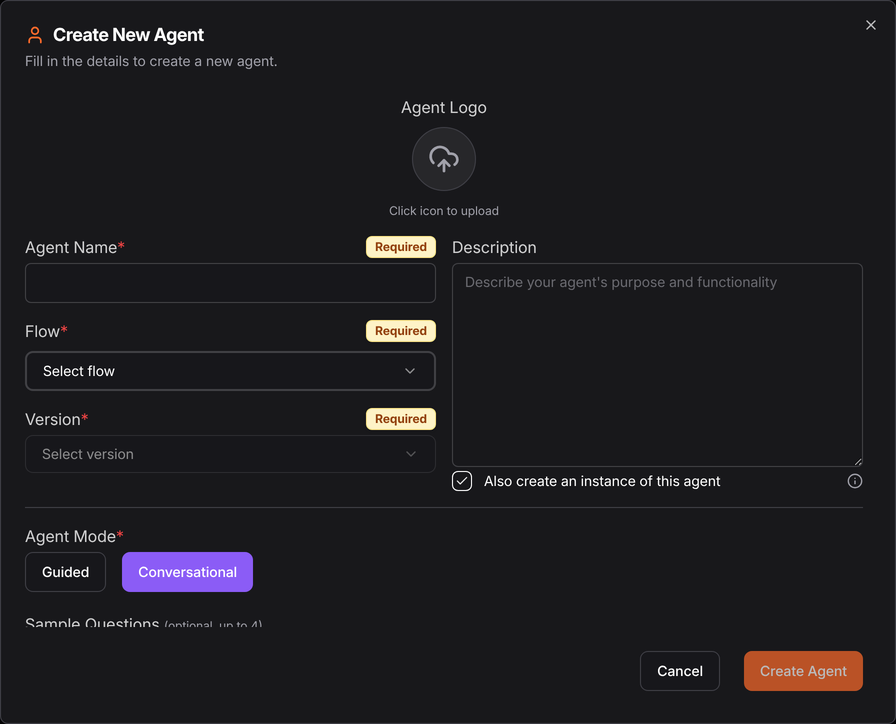
Sample Questions — up to four — are the prompts shown to someone facing an empty chat box. They are worth writing properly: a blank box invites "hello", while three concrete examples teach a user what the agent is for in the first five seconds.
When the answer set is known, a dropdown of five valid options cannot be answered wrongly and a free-text question can. Reach for Conversational when you genuinely cannot enumerate what someone might ask.
The two modes are the same ones the Chat Assistant offers, described there from the flow's side.
Instances
An instance is a deployment of an agent. Creating one adds a separate Application Robot on your Robots page, which runs that instance.
The point is running one agent for several audiences at once — the intended case is an agency managing multiple clients, where each client gets an instance of the same agent, isolated from the others, while the flow behind them is maintained once.
Instances are managed from the agent's row: create, rename and delete.
Each instance is an Application Robot, and those come from your licence or subscription. If instance creation fails, that is the first thing to check.
Runs
Each agent keeps a run history, with a detail view per run. That is where to look when an agent did something surprising: the run shows what it was asked, what it decided and which tools it called.
Updating an agent
An agent is pinned to a version, so publishing a new version of the flow does not change the agent. Point the agent at the new version when you are ready — which means you can test a new version alongside the live one rather than in front of your users.
See also
- Chat Assistant — the two modes from the flow's side
- AI Agents, Skills and MCP — the concepts
- Knowledge Base — grounding an agent in your documents
- Robots — where instances appear