History
History on the Designer rail is the record of changes to a flow — what changed, when, and by whom.
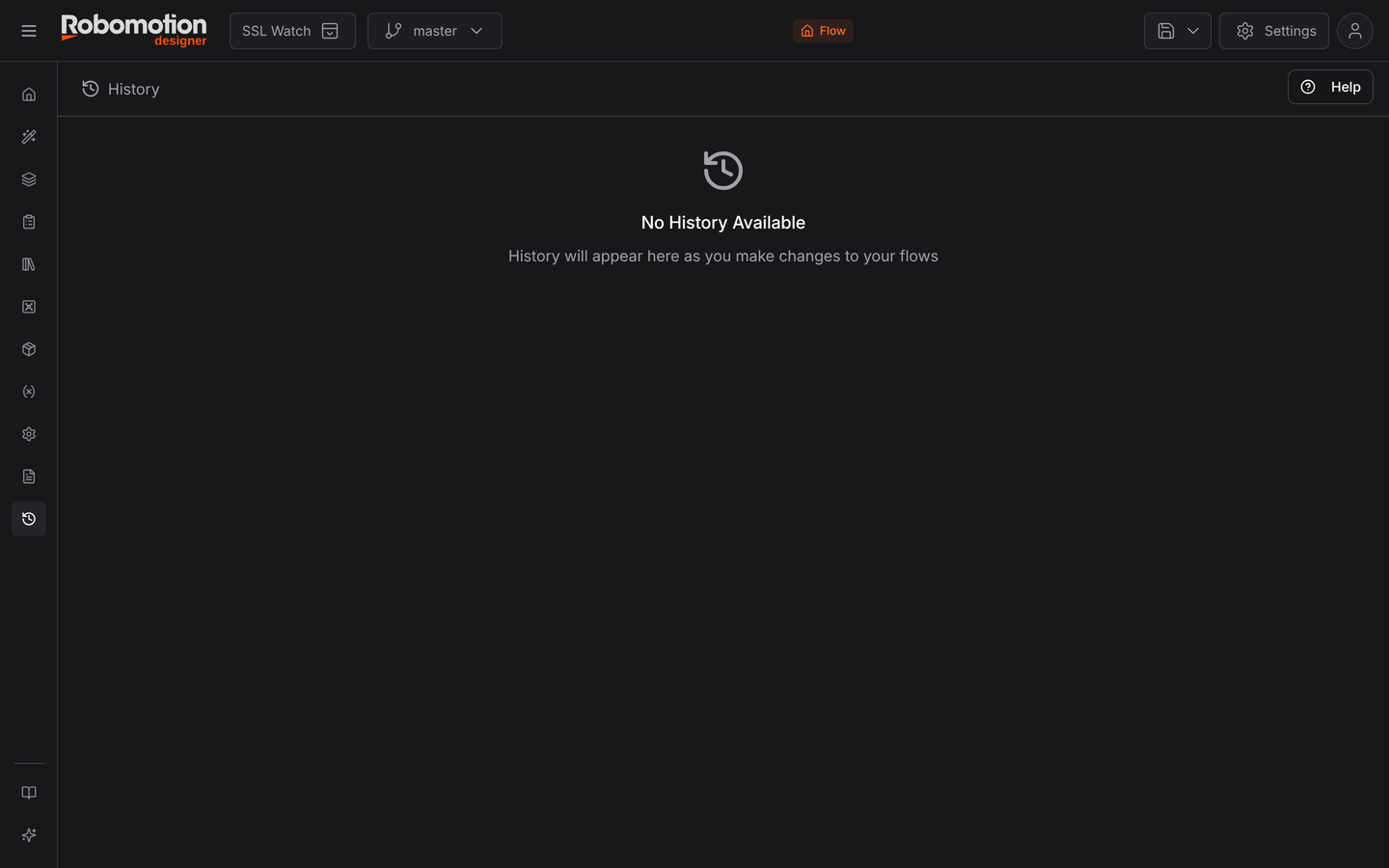
A newly imported or freshly created flow has none; entries accumulate as the flow is edited.
History and versions
They answer different questions, and it is worth being clear which you want:
| Answers | |
|---|---|
| History | What has been changing? Every edit, in order |
| Versions | What state do I want to keep? Named snapshots you cut deliberately |
History is automatic. Versions are chosen. You use History to find out when something changed; you use Versions to go back to a state you decided was good.
The same history is also reachable from the History tab inside the Version Control dialog, alongside the versions list.
Comparing
Version Control's compare works across the two: a version against master, one version against another, or a specific commit. Select two rows and Compare opens Visual Diff, which shows the difference on the canvas rather than as text.