How-to setup a Queue Trigger
A flow can be triggered whenever a new item is inserted into a Queue. This is mostly useful for Robomotion Forms, where someone submits a new form and you want to process the data whenever a new submission is done.
For setting up a Queue trigger you need to create a Queue first from Admin Console here.
After that, you can use your Queue's name in Queue Trigger setup as below:
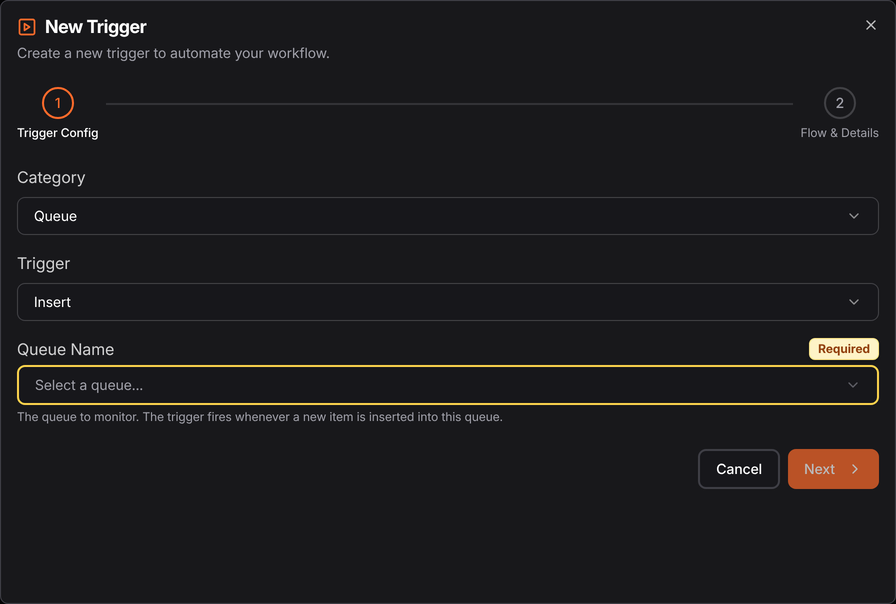
The Queue category has one trigger, Insert:
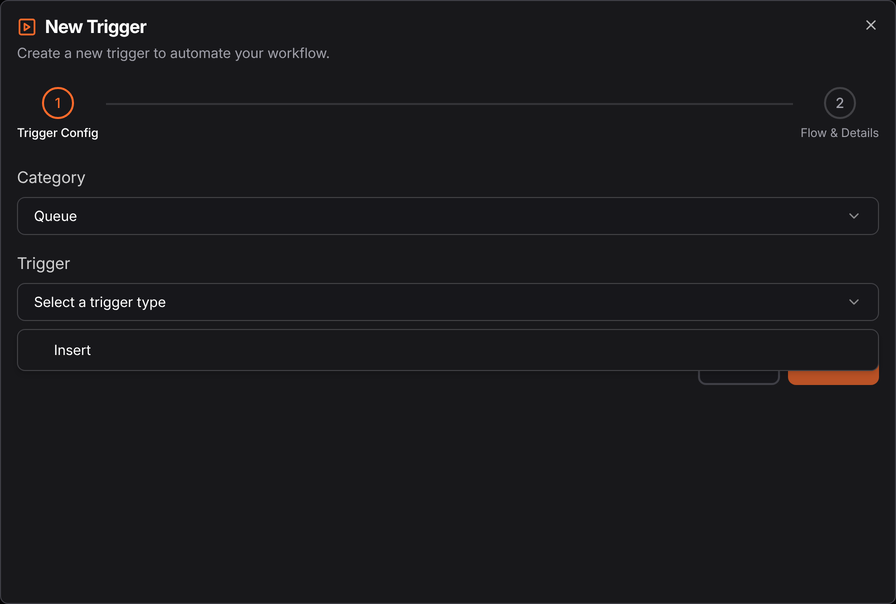
Pick the queue to watch, then choose the published flow, its version and the robot on the Flow & Details step.
note
The robot has to be connected for a trigger to fire.