Variables
Most data in a flow travels on the message object, passed node to node. A variable is for the data that should not: a value several branches need, or one that has to survive a loop.
Variables is on the Designer's left rail, and needs a project open.
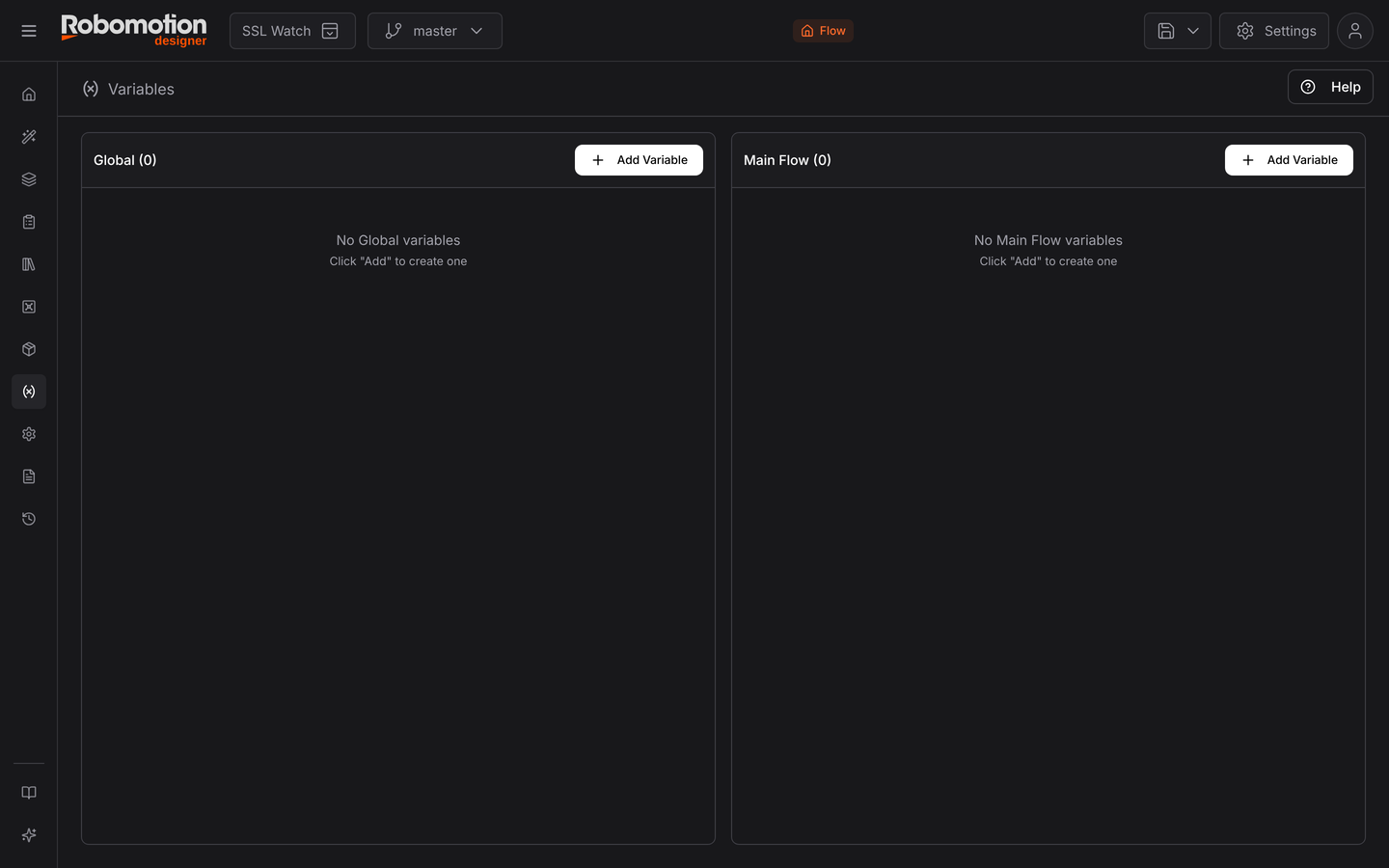
Two scopes
The panel is split, and the split is the concept:
| Scope | Lives | Use for |
|---|---|---|
| Global | Across the whole workspace, shared by every flow | Values every flow needs — an environment name, a base URL |
| Main Flow | This flow, for one run | Values this flow needs in more than one place |
Add Variable on either side creates one in that scope.
A third scope does not appear here: local variables belong to a single Function node and are declared in that node's own properties. They exist only while that node runs.
Default to the message object — a value produced by one node and consumed by the next belongs on the message. Reach for a variable when several places need the value, or when a loop would otherwise overwrite it on each pass.
Types
A variable is typed — string, number, boolean, array, object — and the type decides how nodes offer it. A node expecting an array will only let you pick array variables, which catches a class of mistake before the flow runs.
Using one in a node
Any node property that takes a value can take a variable instead: switch the property from a literal to a variable and pick it from the list. The property then reads the variable at run time.
That is the same mechanism as binding a property to a message field — in the properties panel
the scope selector (msg., and the other scopes) is what you are choosing between.
Managing them
Once a flow has more than a handful, the Variable Manager is the better view: every variable in the flow in one table, with where each is used.
See also
- Variable Manager — all of them at once
- Message Object — the other way data moves
- Passing Data — the tutorial